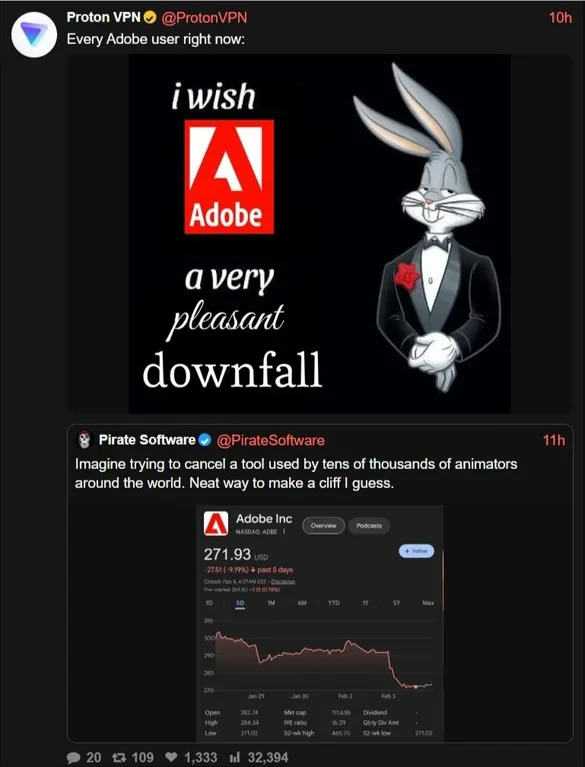
Sunshine@piefed.caM to Boycott US@lemmy.caEnglish · 2 months agoAdobe backlash is getting louder — time to escape proprietary creative tools?media.piefed.caimagemessage-square140linkfedilinkarrow-up1532arrow-down16
arrow-up1526arrow-down1imageAdobe backlash is getting louder — time to escape proprietary creative tools?media.piefed.caSunshine@piefed.caM to Boycott US@lemmy.caEnglish · 2 months agomessage-square140linkfedilink
minus-squareSunflier@lemmy.worldlinkfedilinkEnglisharrow-up8·edit-21 month agoNeed something more local. Don’t want to accidentally waive attorney-client privilege by using an online utility.
minus-squareLibnedG@discuss.tchncs.delinkfedilinkEnglisharrow-up3·1 month agoYou could try PDFsam Basic. As the name suggests it provides some basic functions, especially the ones you described. Sam stands for split and merge.
minus-squareLibnedG@discuss.tchncs.delinkfedilinkEnglisharrow-up1·edit-21 month agoDid you try it? Did it meet your requirements?
minus-squareYeahToast@aussie.zonelinkfedilinkEnglisharrow-up3·1 month agoMight be worth giving https://bentopdf.com/ a try. I’ve just started using it . Seems ok. You can spin up your own locally (I haven’t done this yet) or I believe you can also edit PDFs locally in a browser.


Need something more local. Don’t want to accidentally waive attorney-client privilege by using an online utility.
You could try PDFsam Basic. As the name suggests it provides some basic functions, especially the ones you described. Sam stands for split and merge.
I’ll check it out.
Did you try it? Did it meet your requirements?
Might be worth giving https://bentopdf.com/ a try. I’ve just started using it . Seems ok. You can spin up your own locally (I haven’t done this yet) or I believe you can also edit PDFs locally in a browser.