

- cross-posted to:
- linuxmemes@lemmy.world
- cross-posted to:
- linuxmemes@lemmy.world
cross-posted from: https://piefed.social/c/linuxmemes@lemmy.world/p/2616646/99-9-accurate
cross-posted from: https://piefed.social/c/linuxmemes@lemmy.world/p/2616646/99-9-accurate
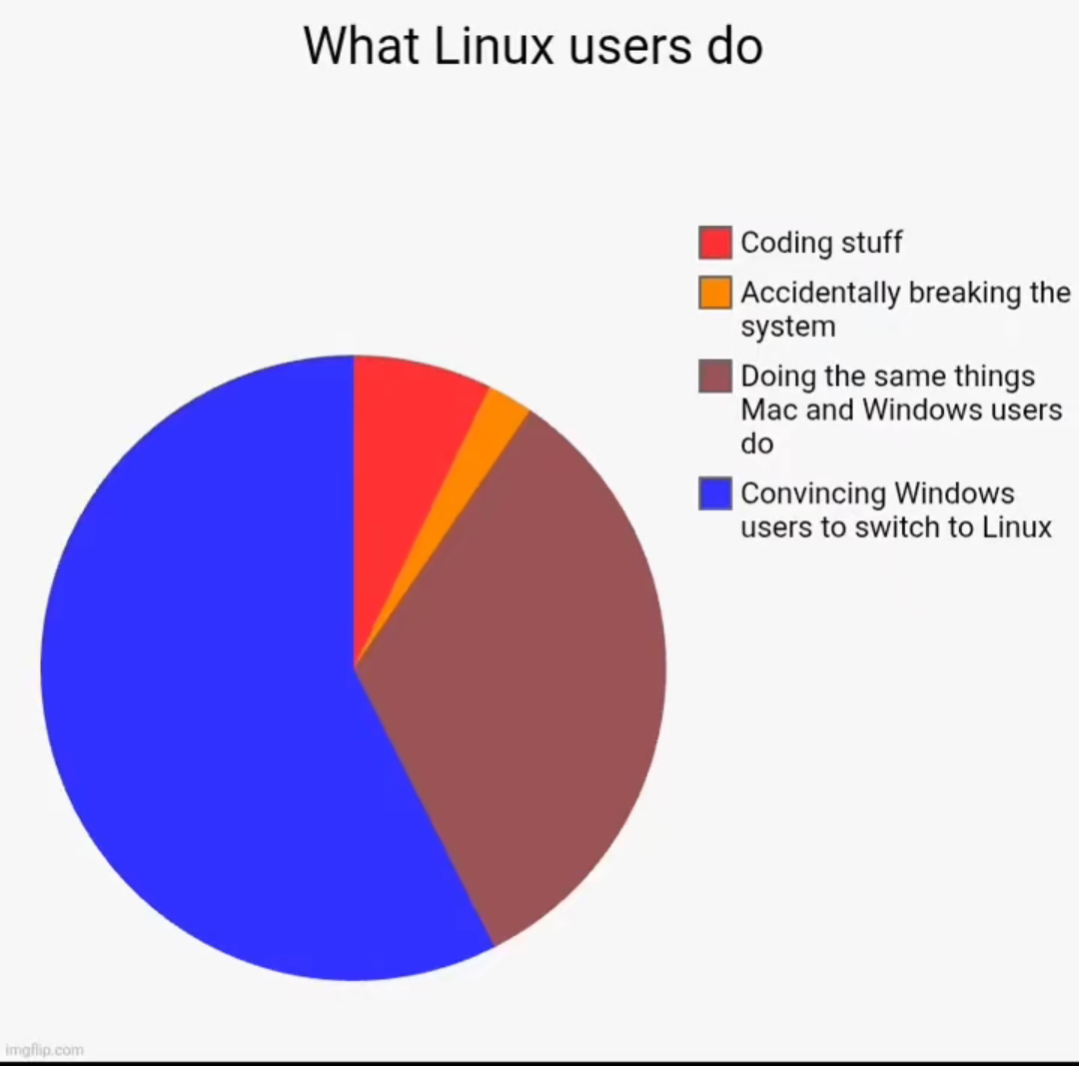
You forgot the 10% exiting from vim
You could exit vim? I just shutdown my pc.
Ahh, good ol
Shift + colon + w + I/OWdym, shift + colon + wq + enter, will write and quit but dont forget to open the document with sudo
You’re correct! However I was not genuinely confused, I was riffing on the prior commenter’s joke by giving the satirical vim exit command sequence
shift+colon+w+I/O(the power button). The humor derives from both the common shared struggle (indeed, almost a rite of passage) new users have with figuring out how to exit the vim editor from the terminal, and from how turning off your entire system is a very excessive solution to the problem of exiting a single program.But why would you want to?
These days vim literally tells you how to quit if it thinks that’s what you’re trying to do.
How can it tell?
Helix crew checking in btw. ✊
I just had a play, when you press Ctrl + C like killing the bash process and it says:
Type :qa and press <Enter> to exit VimAh okay, it just handles that signal. Gotcha.
I can’t remember if there are others it does, that’s the one I see often though.